
Why Is App Development So Expensive? What Actually Drives the Cost
In short
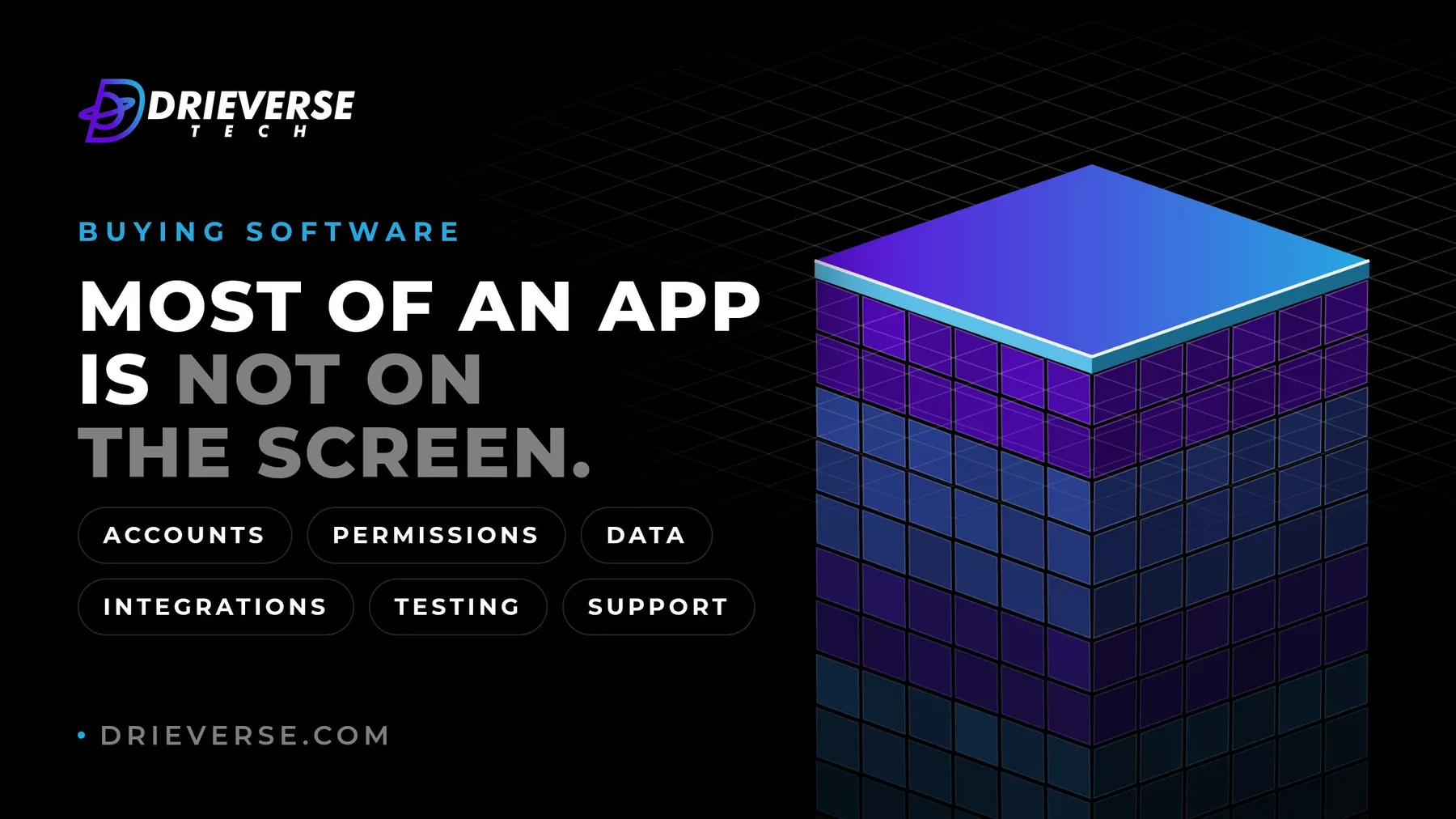
App development is expensive because most of the work is invisible in the finished screens. Behind each one sit accounts and permissions, data, integrations with other systems, error and edge cases, testing on real devices, security, release and support. The cost grows with scope, the number of integrations and platforms, design depth and compliance needs. Scoping the first release, and deciding early, is the most reliable way to bring it down.
Key takeaways
- Most of the cost of an app sits behind its screens: accounts, permissions, data, integrations, error handling, testing, security, release and support.
- Six things move the cost most: the scope of the first release, integrations, the number of platforms, design depth, compliance and security, and the support after launch.
- Quotes for the same app differ because suppliers read the gaps in a brief differently, include different work and price the unknowns differently.
- A web app usually costs less to build and run than a native mobile app for the same scope: one codebase, no store review, fewer devices to test.
- The most reliable way to reduce the cost is to decide: fix the first release, name the unknowns, and test the risky part before estimating the rest.
Table of contents
Why is app development so expensive? Because most of what you pay for is not on the screen. A demo shows a login page, a dashboard and a form. Behind them sit accounts, permissions, data that has to be stored correctly, other systems that have to be talked to, and every way each of those can fail. That work is real, it is skilled, and it is where most of the estimate goes.
This post explains where the effort goes, what makes it grow, why quotes for the same app can be far apart, and how to bring an estimate down without cutting the parts that keep the app working. It does not give prices. Any figure without your scope behind it would be a guess.
Why is app development so expensive? Most of the work is not on the screen
Take a login screen. On the screen it is two fields and a button. Behind it, someone has to build account creation, email verification, password reset, sessions that expire, protection against repeated guessing, and a way for an administrator to lock an account. If people sign in with a company account or a social login, that is another integration. None of this is exotic, and none of it shows in a design.
The same is true of every screen. Each one has at least five versions: empty, loading, full, something went wrong, and you are not allowed to see this. A list that looks simple in a design needs search, sorting, paging and a sensible answer when there are no results. A form needs validation, saving halfway, and a message that tells people what to fix.
Then there is the work nobody sees at all: the admin screens your own team will need, carrying your existing records across, the emails the app sends, logging, backups, and the release process that gets a change from a developer's machine to your users safely.
App development cost breakdown: where the effort goes
Every app spends effort in the same areas. The share each one takes depends on the app, but none of them is optional.
| Area | What it covers | What makes it grow |
|---|---|---|
| Discovery and design | Understanding the work, the flows, the screens and the decisions behind them | Unclear goals, many user groups, decisions that keep changing |
| Interface | The screens people use, on each platform | More platforms, custom interactions, offline use |
| Back end and data | Business rules, the data model, accounts, permissions, notifications | Complex rules, many roles, history and audit needs |
| Integrations | Connections to payment, accounting, CRM, identity or internal systems | Poorly documented or unreliable systems on the other end |
| Admin and internal tools | The screens your own team uses to run the app | Manual processes the app has to support from day one |
| Testing | Checking every flow, device and failure case, by people and by automated tests | More platforms, devices and roles; regulated data |
| Release and hosting | Environments, deployment, store submission, monitoring | Mobile store review, strict uptime needs |
| Coordination | Planning, decisions, demos, questions and answers | Many people who must approve, slow answers |
| After launch | Fixes, updates, platform changes, support | Many users, many integrations, frequent change |
Two rows are easy to forget when reading a quote. Admin tools are often missing from a first estimate and added later as a change. Coordination is time spent waiting for and making decisions, and it is the row a client controls most directly.
The six cost drivers that matter most
1. The scope of the first release
Scope is the largest driver by far. Every feature carries its screens, its rules, its data, its tests and its support, so each one adds more than it appears to. The question that reduces cost fastest is not "how do we build this cheaper" but "what does the first release actually need?"
2. Integrations
An integration is priced by the system on the other end. A well documented, stable service with a test environment is a contained piece of work. An older internal system with no documentation, no test environment and one person who understands it can take longer than the screens that use it. Ask early which systems the app must talk to, and who can give access.
3. Platforms
A web app runs in a browser from one codebase. A native mobile app means an iPhone version, an Android version, or both, each with its own store review, devices to test and platform updates to follow. Cross-platform tools let one team share most of the code between iPhone and Android, which reduces the effort, but the testing, store work and device quirks remain per platform.
4. Design depth
A clean interface built from a proven component set costs much less than a custom visual language with bespoke animations and interactions. Both can be right. The question is whether the design itself is what makes users choose you, or whether it simply needs to be clear, accessible and consistent.
5. Compliance and security
Health, financial and personal data bring requirements that shape the whole build: where data is stored, who can see it, how access is logged, how long it is kept, and how it is deleted. Meeting them is work at every layer, plus the reviews and records that prove it.
6. Support after launch
An app is never finished on launch day. Operating systems update, browsers change, providers change their interfaces, and users find what testing missed. A quote that ends at launch is not cheaper; it moves that cost to a later invoice, or to your own team.
Why quotes for the same app differ so much
Quotes for the same app differ because the suppliers are rarely quoting the same app. A brief leaves gaps, and each supplier fills them differently: one assumes the admin screens are included and another does not, one prices automated testing and another leaves it out, one adds a margin for an integration nobody has seen yet and another assumes it will be simple.
Team shape matters too. A quote built on a small senior team and one built on a larger junior team can describe the same scope and carry very different risk. And some quotes are low because they are an honest estimate of a narrower reading of the brief.
Two things make quotes easier to trust. A clear brief before anyone estimates (here is how to write a software project brief vendors can use), and lining up the proposals row by row once they arrive, which is what comparing software proposals walks through.
How much does it cost to build a web app compared with a mobile app?
For the same scope, a web app usually costs less to build and to run than a native mobile app. It is one codebase, it ships without store review, a fix reaches every user the moment it is released, and there are fewer devices to test. The back end, the data and the integrations cost much the same either way, because they are shared.
A mobile app earns its extra cost when the job needs what only a phone does well: working offline, using the camera or location heavily, push notifications people rely on, or a presence on the home screen of people who use it every day. If the users sit at a desk, or use the app a few times a month, a web app that works well on a phone is often the better first release. A mobile app can follow once the product has proved itself.
How scoping brings the cost down
The most reliable way to reduce the cost of an app is to decide. Every open question in an estimate becomes either a margin added for safety or a change request later, and both cost money. Scoping turns open questions into decisions, in this order:
- Name the job. One sentence on what the first release must let people do, and for whom.
- Cut to the first release. Everything else goes on a list for later, written down, so nobody prices it by accident. Choosing between a POC, a prototype and an MVP decides how big that first step should be.
- List the integrations and who owns them. Get access, documentation and a test account before estimating, not after.
- Test the risky part first. If one piece is genuinely unknown, a short, fixed piece of work to try it costs far less than a large estimate padded to cover it.
- Agree what done means. Acceptance criteria for the first release, written before the build starts.
An estimate made after these steps is smaller, because it carries fewer margins, and firmer, because the unknowns have names. Most of that work happens in discovery; here is what technical discovery should produce. Decisions also set the schedule; what sets an app's timeline is mostly the speed of answers, not of code.
Where to spend, and where to save
Spend on the parts that are expensive to change later: the data model, the integrations, the security of personal data, automated tests for the flows that matter, and the one workflow that makes your business different.
Save on the parts that are cheap to change or already solved: a custom look for standard screens, features for users you do not have yet, a second platform before the first one has proved itself, and anything an existing product already does well. For whole areas of the business, buying instead of building is often the largest saving available.
If you have an app in mind and want to know what it would take, send us what you have, even a rough list, and we will help you scope your app: the first release, the integrations, the unknowns and what to test first. That conversation is where our app development work starts.
Frequently asked questions
Because most of the work sits behind the screens. Each feature needs accounts and permissions, data stored correctly, connections to other systems, handling for errors and edge cases, testing on real devices, security, release and support after launch. That work is skilled and largely invisible in a demo, so an app that looks simple can still carry a large amount of engineering.
The answer rests on six things: the scope of the first release, the number of integrations, the platforms, design depth, compliance needs and the support expected after launch. A figure given before those are known is a guess. A dependable estimate follows scoping: the job the first release must do, the systems it connects to, the unknowns, and what counts as done.
A complete breakdown covers discovery and design, the interface on each platform, the back end and data, integrations, admin tools for your own team, testing, release and hosting, coordination and decisions, and support after launch. Admin tools and coordination are the two most often missing from a first estimate, and both reappear later as changes or delays.
Usually, for the same scope. A web app is one codebase, ships without store review and needs fewer devices tested, while a native mobile app adds a version per platform, store work and device testing. The back end, data and integrations cost much the same either way. A mobile app earns its extra cost when the job needs offline use, the camera, location or push notifications.
Because suppliers fill the gaps in a brief differently. One includes admin screens, automated testing or data migration and another leaves them out; one adds a margin for an unknown integration and another assumes it is simple; team size and seniority differ. Quotes for the same app are often quotes for different apps, which a clear brief and a line by line comparison reveal.
Decide more, earlier. Cut the first release to the job it must do, list every integration and get access before estimating, test the riskiest part with a short piece of work, and agree what done means before the build. Save on custom styling of standard screens and features for future users; keep spending on the data model, integrations, security and tests.
Have a App development project like this in mind?
Tell us what you are trying to build. We will tell you plainly what App development work like this would take.
Get a quoteContact Us
Lahore, Pakistan · London, U.K · Austin TX, U.S · Toronto, Canada