

Human Review Queues for AI Workflows: From Flag to Feedback
In short
A human review queue for an AI workflow is the set of rules around uncertain output, not a button. Decide what gets escalated and why, who owns each item and by when, what context the reviewer sees, which decisions they can make, what is recorded, and how those decisions change the workflow. Without those parts, review slowly turns into clicking approve on whatever the model produced.
Key takeaways
- Every item in a review queue should arrive with a reason the reviewer can read. A flag that only says "low confidence" gives the person nothing to check.
- Each item needs an owner and a time limit. When the time runs out, the action stays held and the item moves to a named backup; it never goes ahead on its own.
- Put the original input, the AI output, the flag reason and the relevant record on one screen, so reviewing does not mean opening three other systems.
- Give reviewers more than approve and reject: edit, send back, escalate, and a short fixed list of reasons, so their decisions can be counted.
- Record what the reviewer actually saw, then review the reasons and edits on a schedule. Reviewed items become the test set for the next prompt, rule or model change.
Table of contents
Most AI workflows that include a person end up with the same design. The model produces something, it appears on a screen with an Approve and a Reject button, and someone clicks one of them.
On day one that feels like oversight. A few months later the reviewer is clearing a long list between other tasks, the model is right most of the time, and approving has become the quickest way to empty the screen. Nothing in the setup tells them which items deserve a second look, what to compare the output against, or what happens to the reason they rejected something.
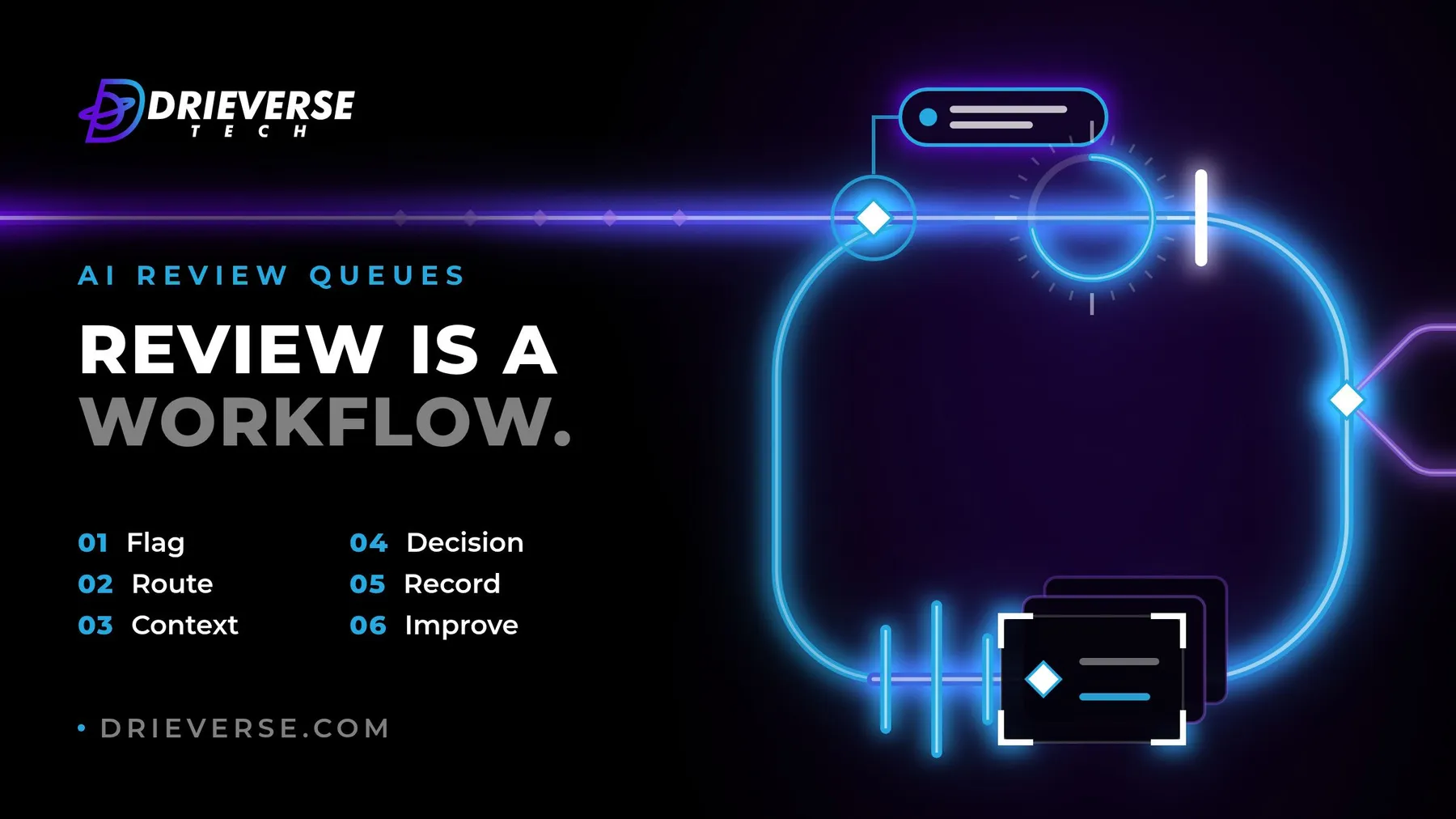
Human review only works when it is treated as a workflow with its own rules. The sequence below follows one uncertain item from the moment it is flagged to the moment its outcome changes the system: flag, route, context, decision, record, improve.
What a human review queue does in an AI workflow
A human review queue holds AI output that the system should not act on alone, until a named person has decided what happens to it. It sits between the model and the consequence: before a reply is sent, a record is changed, or money moves.
The queue itself is the easy part to build. The design work is in the rules around it: what enters, who picks it up, what they see, what they are allowed to decide, what gets written down, and how those decisions flow back. Where in a workflow the review point belongs is a separate question, covered in our guide to choosing between an AI agent, a rules engine and conventional software. This piece is about what happens once an item lands there.
Escalation rules: deciding what enters the queue
Escalation rules decide which outputs a person sees, and each rule should produce a reason the reviewer can read. "Flagged: refund above the agreed limit" tells a reviewer what to check. "Flagged: low confidence" does not.
The most useful triggers are checks the system can make without trusting the model's opinion of itself:
- Consequence. The output would commit money, change a customer record, or make a promise above a set limit.
- Conflict with the record. The output mentions an order, account or date that the system of record cannot find or contradicts.
- Missing or malformed fields. Something the next step needs is empty or in the wrong shape.
- Sensitive categories. Complaints that mention legal action, cancellations, or anything your policy says a person must handle.
- New territory. A first order, a new supplier, an input type the workflow has rarely seen.
A model's self-reported confidence can be one signal among these, but it should not be the only one. It can be high on an answer that is wrong, and those are the answers review exists to catch.
Add one more source to the queue: a small random sample of output that passed every check. Without it you only ever see the cases you already expected to be risky, and you never learn how often the unflagged ones are wrong.
Resist the opposite failure too. A queue that receives everything trains people to approve everything. If more than a small share of output needs a person, the workflow probably needs better rules before it needs more reviewers.
Routing and ownership of review items
Every item in a review queue needs one owner and a time by which it must be decided. A shared inbox that "the team" watches is a backlog, and the oldest items in it are usually the hardest ones.
Route by the kind of decision, not by whoever is free. A compensation offer goes to someone who can authorise compensation. A contract clause goes to someone who can read one. When the right person is away, the item moves to a named backup rather than waiting.
Decide in advance what happens when the time limit passes. The safe answer is that the action stays held and the item escalates. An item that goes ahead automatically after a timeout makes review optional on exactly the days the team is busiest.
There are two kinds of ownership here. Each item has someone who decides it. The queue as a whole needs an owner too: the person accountable for the escalation rules, the time limits, the staffing and the regular look at what the queue is saying.
Reviewer context: what the person needs on screen
Reviewer context is everything a person needs to make the decision without leaving the screen. At minimum that means the original input, the AI output, the reason the item was flagged, and the record or policy it should be checked against.
Show the source, not only the summary. If the model extracted values from a document, put the document beside the values. If it drafted a reply, show the message it is replying to and the customer's recent history. A reviewer who has to open three other systems to check one item will, before long, stop opening them.
Say plainly what the decision will do. "Approving sends this reply to the customer now" is a different weight from "approving saves a draft". For some decisions it also helps to show the input first and the suggestion second, so the reviewer forms a view before seeing the answer they are being asked to check.
Review decisions beyond approve and reject
A review screen should offer the decisions people actually make, not only approve and reject. In practice that usually means five:
- Approve as produced.
- Edit, then approve, with the change captured rather than overwritten.
- Reject, with a reason chosen from a short fixed list and an optional note.
- Send back for more information, to the requester or another team.
- Escalate to someone with more authority.
The fixed list of reasons matters more than it looks. Free text is hard to count; a list of six or eight reasons, such as "wrong customer record", "tone", "promise we cannot keep" or "input was unreadable", turns a pile of rejections into something you can analyse.
The minimum is smaller. In the content platform our client builds sit on, the AI writes drafts, sorts content and proposes related items, and each one goes to an editor who can accept it, rework it or throw it away. Nothing is published by the model on its own. Most operational queues need the extra decisions above, because their items have customers and money behind them.
Audit trails for AI-assisted decisions
An audit trail for an AI-assisted decision should let someone answer, months later, why a customer received a particular outcome. That means keeping what happened at the time, not reconstructing it afterwards.
For each item, record:
- the input exactly as it arrived
- the output exactly as the reviewer saw it
- the model and prompt or instruction version that produced it
- why it was flagged
- who reviewed it, and when
- the decision, the reason and any edit, kept as a before and after
Keep the output itself, rather than a way to produce it again. Run the same input through the model next month and you may get a different answer, so a trail that regenerates output is a trail of guesses.
The trail is also a record of people's decisions, so treat it like one. Decide who can read it, how long it is kept, and make it impossible to edit after the fact.
Turning reviewer decisions into workflow improvements
Reviewer decisions are the most specific feedback an AI workflow will ever get, and most systems throw them away. Look at the reasons and edits on a fixed schedule, weekly at first, and act on the patterns.
Each pattern usually points to one of three fixes:
- A rule. If reviewers keep removing delivery dates the system cannot confirm, add a check that blocks unconfirmed dates before anything reaches the queue.
- An instruction change. If edits keep softening the same kind of phrasing, change the prompt or instructions that produce it.
- A threshold change. If one category is approved untouched almost every time over several weeks, consider sampling it instead of reviewing it all. If another is rejected often, flag more of it.
Every reviewed item is also a labelled example: an input, an output and a person's verdict. Kept together, the queue's history becomes the test set for the next prompt, rule or model change. Run a proposed change against past items before it goes live, and you know whether it would have fixed the mistakes reviewers caught without breaking what they approved.
An illustrative review queue for AI-drafted complaint replies
This worked example is made up for illustration rather than taken from a client project. It traces the six parts through one workflow: an AI model drafting replies to customer complaints.
| Stage | Illustrative answer |
|---|---|
| Flag | Draft offers compensation above the agreed limit, mentions an order the system cannot find, or the complaint mentions legal action; plus a small sample of unflagged drafts |
| Route | Compensation to the support lead, legal mentions to the operations manager, each with a same-day deadline and a named backup |
| Context | The complaint, the draft, the order history, the flag reason and the compensation policy on one screen |
| Decision | Send, edit then send, reject with a reason, send back to the account team, or escalate |
| Record | Complaint, draft as shown, prompt version, flag reason, reviewer, decision, reason and edit |
| Improve | A weekly look at reasons; repeated date removals became a rule that blocks unconfirmed delivery dates |
Signs the review step has become a rubber stamp
A review step has become a rubber stamp when people approve faster than they could possibly check. The signs are usually visible in the queue's own data well before anything goes wrong in front of a customer.
- Approval is close to total and the time per item is a few seconds.
- Reviewers cannot say why a given item was flagged.
- The oldest items keep getting older while new ones are cleared quickly.
- Edits are made outside the system, in the sent email or the record, so the queue never sees them.
- Nobody has looked at the rejection reasons since launch.
Each one has a fix in the sections above: fewer and clearer flags, real context, named owners, decisions that are recorded, and a regular look at what they say.
If you already run an AI workflow with an Approve button in it, or are about to add one, review the AI workflow with us. Mapping how uncertain output is flagged, routed, decided and fed back is part of how our AI automation work is scoped and built, and the pre-launch checks for an AI feature are a useful companion to it.
Frequently asked questions
A human review queue holds AI output that should not be acted on automatically until a named person decides what happens to it. A useful one has rules for what enters it, who owns each item and by when, what the reviewer sees, which decisions they can make, what gets recorded, and how those decisions are fed back to improve the workflow over time.
Send outputs to review when a wrong result would be costly or hard to undo: money moving, a customer record changing, or a promise being made. Also flag output that conflicts with the system of record, has missing fields, falls into a sensitive category, or covers unfamiliar ground, and add a small random sample of output that passed every check.
A reviewer should see the original input, the AI output, the reason the item was flagged, and the record or policy to check it against, all on one screen. The screen should also say what approving will actually do, such as sending a reply now or saving a draft, so the reviewer understands the weight of the decision before making it.
An audit trail should record the input as it arrived, the output exactly as the reviewer saw it, the model and prompt version, the reason it was flagged, who reviewed it and when, and the decision with its reason and any edit. Store the output itself rather than regenerating it later, because the same input can produce a different answer next time.
Keep the queue small enough that each item gets real attention, give every flag a readable reason, show the source material beside the output, and give each item a named owner and deadline. Then watch the queue's own data: near-total approval in a few seconds per item usually means people have stopped checking and started clearing the screen.
Reviewer decisions show where the workflow goes wrong. Reviewing rejection reasons and edits on a schedule points to new rules, instruction changes or different review thresholds. Each reviewed item is also a labelled example, so past items can serve as a test set: run a proposed change against them before it goes live and see whether it fixes the caught mistakes.
Have a AI and automation project like this in mind?
Tell us what you are trying to build. We will tell you plainly what AI and automation work like this would take.
Get a quoteContact Us
Lahore, Pakistan · London, U.K · Austin TX, U.S · Toronto, Canada