

API Integration vs Manual Import: When a Spreadsheet Upload Is Enough
In short
Choose between a manual import and an API integration by starting with frequency and error risk. If the data changes rarely, can be a day old, and a wrong row is easy to spot and fix, a validated import is often enough. If it changes constantly, must be current, or errors are costly and hard to see, an integration earns its build and its upkeep. Scheduled imports sit in between.
Key takeaways
- Not every spreadsheet import needs an API. Start with how often the data changes and how stale it is allowed to be.
- Error risk comes next. A manual import fails in front of a person; an integration can fail quietly unless someone is watching it.
- Decide which system owns each piece of data before connecting anything. Two-way syncs without a clear owner create conflicts nobody notices.
- An integration is something you keep running: credentials expire, interfaces change, and failed syncs need someone to see them.
- There is a middle: a validated import template or a scheduled file transfer often removes most of the manual effort without a full integration.
Table of contents
Somewhere in most businesses, someone exports a file from one system every week and imports it into another. Sooner or later a request appears: can we build an integration so this happens automatically?
Sometimes that is exactly the right call. Often it is not. Not every spreadsheet import needs an API, and some of the most reliable data movement in a business is a well designed file that a person checks before loading.
The decision turns on a handful of questions, and frequency and error risk come first.
What the choice is actually between
The choice is rarely just manual or automatic. There are three common options.
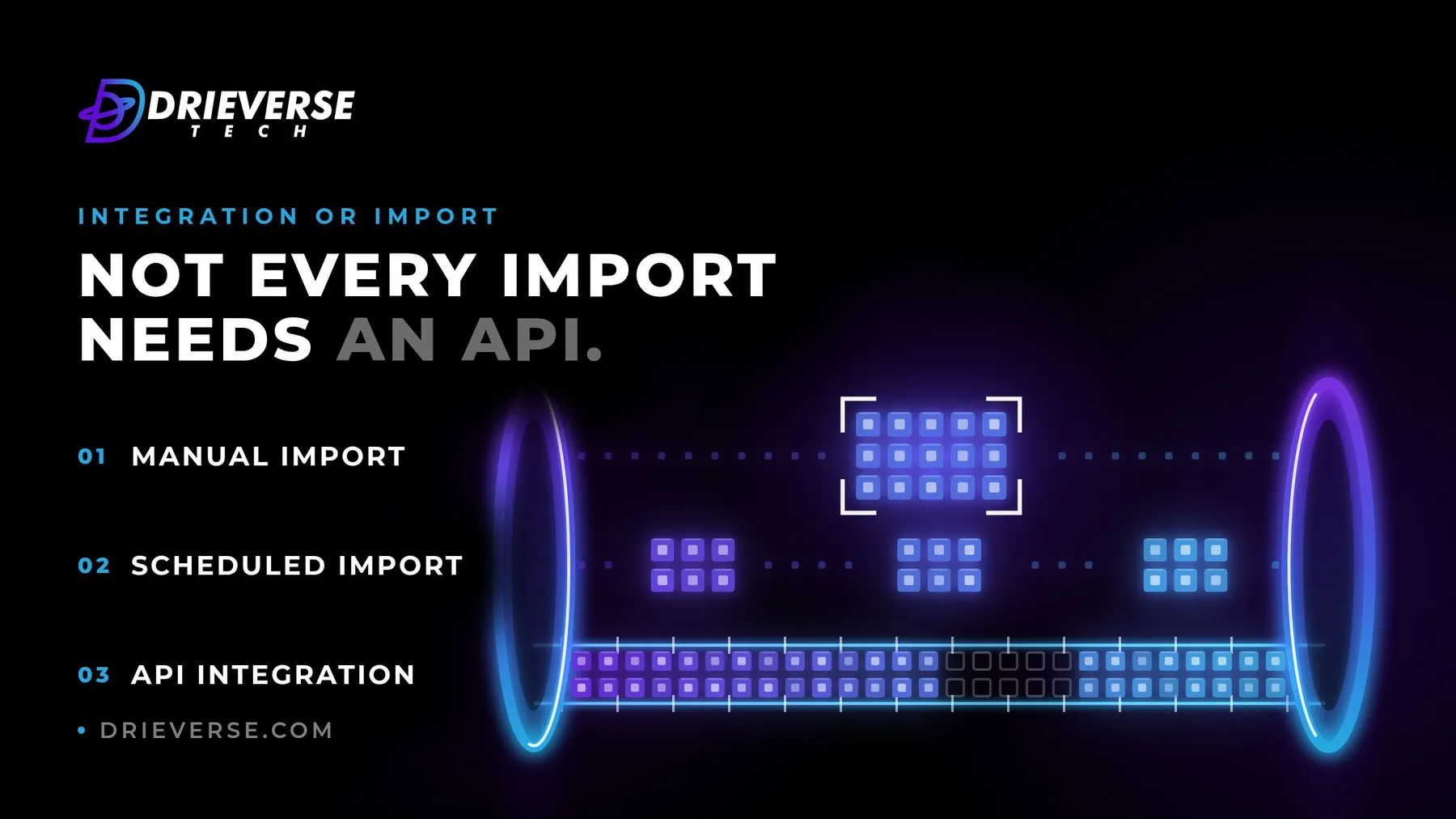
A manual import is a file exported from one system and loaded into another by a person, on whatever schedule they keep. A scheduled import moves the same file automatically, at set times, without anyone clicking. An API integration connects the systems directly, so data moves when something changes, often within seconds, and can flow both ways.
Each step up removes more manual effort and adds more to build, monitor and maintain. The right option is the lowest one that meets the business need.
Frequency and acceptable delay decide most of it
Start with two questions: how often does the data change, and how old can it be before it causes a problem?
A price list updated monthly can be a day old without anyone noticing. Stock levels on a busy online shop cannot be an hour old without overselling. A weekly report does not need live data; a customer portal showing order status probably does.
If the data changes rarely and a delay is harmless, a manual or scheduled import is usually enough. If it changes constantly and must be current, an integration starts to earn its cost.
Error risk: what happens when a row is wrong
The next question is what a wrong row costs and how quickly anyone would notice.
A manual import fails in front of a person. They see the error message, spot the odd value, fix the file and try again. An integration can fail quietly: a field changes format, records stop syncing, and nobody finds out until a customer or a report does.
Both need validation. For an import, that means a fixed template and checks before loading: required fields, formats, duplicates. For an integration, it means validating on the way in, logging what was rejected, and alerting when syncs fail or stall. Moving bad data between systems faster is not an improvement.
Decide who owns the data on each side
Before connecting two systems, decide which one is the source of truth for each piece of data. Customer details might belong to the CRM, invoices to the accounting system, stock to the warehouse system.
This matters most for two-way syncs. If both systems can edit the same record, you need a rule for which edit wins, or the systems will quietly overwrite each other. Many integrations are simpler and safer as one-way flows from the owning system, and a surprising number of problems disappear once ownership is written down.
The cost of keeping an integration running
An integration is not built once and forgotten. Credentials expire, a supplier changes its interface, rate limits appear, a field is renamed, and the connection needs attention.
Someone has to watch for failed and stalled syncs, understand the error when one happens, and fix it. Before building, name that person and include their time in the case. If nobody will own the integration after launch, a manual import with a clear owner may be the more reliable choice.
The middle options between the two
Between a person uploading a file and a live integration, there are useful steps:
- A validated import template that rejects bad rows before they reach the system, turning a fragile manual task into a dependable one
- A scheduled file transfer that moves the export automatically at set times, with an alert if it fails or the file looks wrong
- A one-way sync from the owning system only, which avoids most of the complexity of keeping two systems in step
These often remove most of the manual effort for a fraction of the build and upkeep of a full integration.
A simple way to decide
The table below is a starting point, not a rule. Real cases usually have one factor that dominates.
| Situation | Usually enough |
|---|---|
| Changes monthly, a day's delay is fine, errors easy to spot | Manual import with a template |
| Changes daily, a few hours' delay is fine | Scheduled import with validation and alerts |
| Changes constantly, must be current, or feeds customers | API integration with monitoring |
| Both systems edit the same records | Integration, with a written owner for each field |
| Nobody will own it after launch | Manual import with a named owner |
Signs it is time to move from import to integration
An import that worked well can outgrow itself. The signs are usually visible before anyone asks for an integration: the import runs more often than planned, people make decisions on data they know is stale, errors reach customers before anyone spots them, or the person who does the import has become a bottleneck.
Measure it before deciding. How often the import actually runs, how long it takes and how often it goes wrong are the numbers that justify a build, using the same method as measuring manual work before automation.
If you have a recurring import and are not sure whether it should become an integration, discuss the integration with us: working out whether data should move by file, schedule or live connection is part of our business process optimization work.
Frequently asked questions
When the data changes often, must be current, or errors are costly and hard to spot, such as stock levels, order status or anything shown to customers. If data changes rarely, can be a day old, and a wrong row is easy to see and fix, a validated manual or scheduled import is usually enough and costs far less to maintain.
A scheduled import moves a file automatically at set times, such as nightly, without anyone clicking. An API integration connects the systems directly, so data moves when something changes and can flow both ways. Scheduled imports are simpler to build and maintain; integrations suit data that must stay current or that both systems edit.
Use a fixed template and validate before loading: required fields, correct formats, duplicates and values out of range. Reject bad rows with a clear message rather than loading them. A manual import has one advantage over an integration here: it fails in front of a person, who can spot and fix a problem before it spreads.
Maintenance is mostly people's time rather than a fixed figure. Credentials expire, suppliers change interfaces, fields get renamed, and failed or stalled syncs need someone to notice and fix them. Before building an integration, name who will own it after launch and include their time in the case. Without an owner, integrations fail quietly.
One-way from the system that owns the data is simpler and safer, and it covers many needs. Two-way syncs are needed when both systems edit the same records, and then each field needs a written owner and a rule for which change wins. Without that, the systems can overwrite each other without anyone noticing.
Watch for the import running more often than planned, decisions being made on data people know is stale, errors reaching customers before anyone spots them, or the person running it becoming a bottleneck. Then measure how often it runs, how long it takes and how often it fails, and use those numbers to decide.
Have a Business process optimization project like this in mind?
Tell us what you are trying to build. We will tell you plainly what Business process optimization work like this would take.
Get a quoteContact Us
Lahore, Pakistan · London, U.K · Austin TX, U.S · Toronto, Canada