

Backups and Restore Readiness: A Backup Notification Is Not a Recovery Test
In short
Restore readiness means the business can be running again from its backups within an agreed time. That takes more than the backup itself: an agreed limit on lost data and downtime, a restore order covering data, application, credentials and dependencies, a check that it works the way users need, a named owner, and a restore test run regularly into a clean environment by someone following the written steps.
Key takeaways
- A backup notification is not a recovery test. It proves a job ran and a file was written, not that the business can run again from it.
- Agree two limits with the business first: how much recent work it can afford to redo, and how long it can be down. Everything else is sized against them.
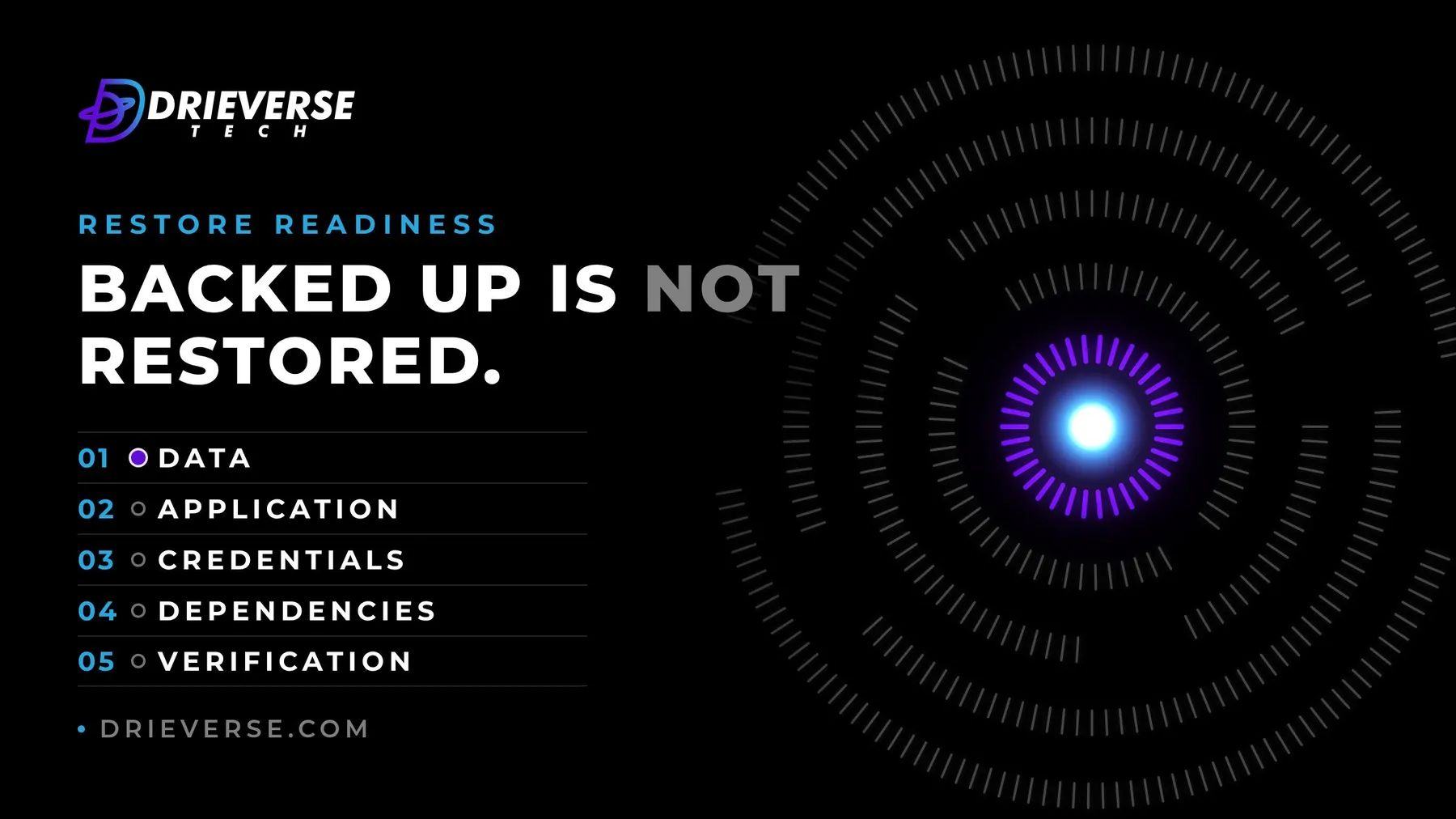
- Recovery has five layers: data, application, credentials, dependencies, verification. A backup covers the first one.
- Keep the keys to the backups outside the system they protect. A backup you can only reach through the server that failed is not a backup.
- A restore test counts when it goes into a clean environment, follows the written steps, is timed, and is run by someone other than the person who set it up.
- Name one owner for recovery and one person who can declare that a restore is needed. Decide both before the bad day.
Table of contents
Most businesses know their backups are running because an email says so every night. Backup completed. Green tick. The report arrives, nobody reads it, and everyone sleeps a little better.
That email is useful, and it answers a narrower question than the one people think it answers. It says a job ran and a file was written somewhere. It does not say the business could be running again from that file, how long it would take, or who would do it.
A backup notification is not a recovery test. Restore readiness is the difference between the two, and it is a plan rather than a setting. We made the case for watching one restore at the point of an infrastructure handover; this is the plan that makes every restore after that one routine.
What a backup notification actually proves
A successful backup job proves that some data was copied to some location at some time. Each of those words carries an assumption.
Some data: the job backs up what it was configured to back up when it was set up. A database added last spring, or a folder of customer uploads that lives outside the database, may not be in it. Some location: often the same provider, the same account, and sometimes the same machine as the thing being protected. Some time: the report rarely says whether the copy is complete, or whether it can be read back.
None of that is a reason to distrust the job. It is a reason to stop treating the notification as the evidence.
Agree what the business can afford to lose
Before anything technical, agree two numbers with the people who run the business. How much recent work could it afford to redo if the last copy is from last night: an hour of orders, a day of bookings, a week of edits? And how long can it be down before the damage is serious: an hour, a morning, two days?
Engineers call these the recovery point objective and the recovery time objective. The names matter less than who sets them. They are business decisions, and the answers usually differ by system: the website can wait a day, the order system cannot.
Those two limits then size everything else. How often backups run, where copies are held, and how fast a restore has to be all follow from them. A backup schedule chosen without them is a guess that has never been compared against anything.
Recovery has five layers, and a backup covers one
A working system is more than its data. Restore it in order, and plan each layer before it is needed.
Data. The databases, the uploaded files, the object storage. This is the layer backups are built for, and even here the usual gap is coverage: data that was added after the backup was configured.
Application. The code, the configuration, and the environment it runs in. If the server is gone, the data has nowhere to go until the application can be rebuilt. Where rebuilding is a documented command, this can take minutes. Where it depends on someone remembering how the server was set up four years ago, it is the longest step of the whole restore.
Credentials. The secrets the application needs to run, and the keys to the backups themselves. This is the layer where restores most often stop.
Dependencies. Everything the system talks to that is not in the backup: DNS, email sending, webhooks, sign-in providers, third-party access.
Verification. The proof that the restored system works for the people who use it, not just that it started.
The credentials that lock you out of your own backups
The most frustrating failed restore is one where the backups are fine and nobody can reach them. The password to the backup account lives in a password manager on the laptop that was stolen. The encryption key for the backups is stored on the server that died. The only login to the storage account belongs to someone who left.
Keep the keys to the backups outside the system they protect, and make sure at least two named people can reach them. Then check that the backups cannot be deleted using the same credentials that run the system. If one set of leaked credentials can wipe the live data and its copies together, the backups protect against hardware failure and not much else. At least one copy should be out of reach of the everyday accounts.
The dependencies nobody backs up
A restored application still has to find the world it used to live in. DNS records that pointed at the old server. Email sending settings that trust a specific address. Payment and booking webhooks registered against a URL. Single sign-on, third-party APIs with allow-listed addresses, scheduled jobs that ran on the machine that is gone.
None of these sit in a database backup. List them, with where each is set and who has access to change it. On the day, that list is the difference between a restored system and a working one.
Verify the restore the way a user would
A restore is finished when the business works again, not when the server responds. Write a short check in the users' terms: log in as a customer, find last Tuesday's order, place a test booking, send a password reset and receive it, open a recent uploaded file.
Check the data against something outside the backup as well. The newest record in the restored database tells you how much was lost, and that is the number to compare with the agreed limit. If it is further back than the business agreed to, that is the most useful finding the test can produce.
Run a restore test that counts
A restore test counts when it would work on the real day. That means four things.
Restore into a clean environment, not over the top of the running system and not onto a server that already has half the setup in place. Follow the written steps, and nothing that is not written down. Time the whole thing, from the decision to restore to the verification passing, and compare it with the downtime the business agreed to. And have someone other than the person who set it up run it, because the author will fill the gaps in the instructions from memory without noticing.
Restoring a single file on request tells you the backups are readable, which is worth knowing. A full restore into an empty environment tells you whether you could recover. Do the small checks often and the full one on a fixed date, at least a few times a year and after any significant change to the system. Keep a dated record of each test: what was restored, how long it took, and what was fixed afterwards.
Name the owners before the bad day
Two roles need names, not teams. One person owns recovery: they keep the restore steps current, schedule the tests, and make sure the credentials and dependency list are still right. And one person, often someone on the business side, can declare that a restore is needed and accept the data loss that comes with it.
That second decision is harder than it sounds in the middle of an incident, because restoring usually means giving up the most recent changes. Deciding in advance who makes that call stops the first hour of an outage being spent looking for them.
If your backups report green every night and nobody can remember the last full restore, that is worth settling while nothing is on fire. Discuss recovery readiness with us: we plan and run restore tests as part of our managed hosting work, and the first test is usually the one that finds the gaps.
Frequently asked questions
A backup is a copy of data. A recovery plan is how the business gets running again from that copy: agreed limits on data loss and downtime, a restore order covering data, application, credentials and dependencies, a check that the system works for users, named owners, and regular tests. Backups are one input to a recovery plan, not a substitute for one.
Run small checks, such as restoring a single file, often enough to know the backups are readable. Run a full restore into a clean environment on a fixed schedule, at least a few times a year, and after any significant change to the system. Time each full test and keep a dated record of what was restored and what had to be fixed.
A restore test rebuilds a system from its backups to prove recovery works. A useful one restores into a clean environment rather than over the running system, follows only the written steps, is timed from the decision to restore until users could work again, and is run by someone other than the person who set up the backups, so gaps in the instructions show up.
The recovery point objective is how much recent work the business can afford to lose, such as an hour of orders or a day of edits. The recovery time objective is how long it can be down before the damage is serious. Both are business decisions, usually different for each system, and they decide how often to back up and how fast a restore must be.
Usually because something outside the data was missed. The encryption key or backup account login was stored on the failed system, the application cannot be rebuilt without undocumented setup, or dependencies such as DNS, email settings, webhooks and third-party access still point at the old server. Planning each of those layers before an incident is what restore readiness means.
Name two people rather than a team. One owns recovery day to day: keeping the restore steps current, scheduling tests, and checking that credentials and the dependency list are still right. The other, often on the business side, has authority to declare that a restore is needed and accept the data loss that comes with it, so nobody is searching for them mid-incident.
Have a Managed hosting project like this in mind?
Tell us what you are trying to build. We will tell you plainly what Managed hosting work like this would take.
Get a quoteContact Us
Lahore, Pakistan · London, U.K · Austin TX, U.S · Toronto, Canada